Your account is where everything about you, rather than your wellbeing data, lives. It is where you keep your details up to date, decide how Mind Wobble can reach you, manage your subscription, and get help when you need it.
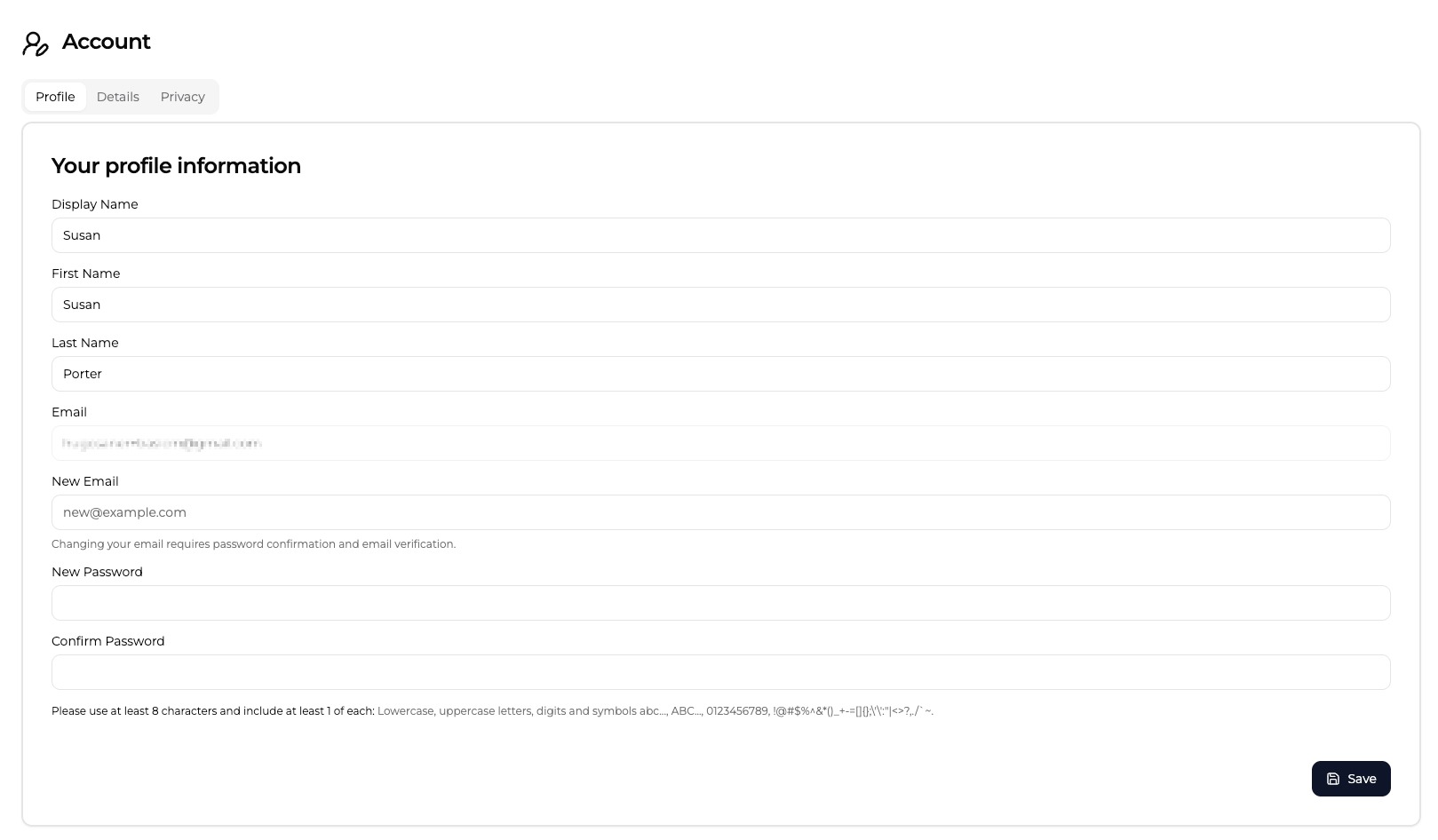
This page is a map. Each area below has its own guide, so once you know where you are heading you can go straight to the detail.
What's in your account
The account area has four main areas.
Profile
Your Profile holds who you are: your display name, your name, your email and password, and the personal and wellbeing details that help Mind Wobble tailor its insights to you. Account deletion also lives here.
See Profile for the full walkthrough.
Settings
Settings is where you control how the app behaves on your devices: the optional app lock PIN, which email and push notifications you receive, and installing Mind Wobble on your home screen.
See Settings for the full walkthrough.
Billing & Subscription
Billing & Subscription shows your current plan, your payment method and invoices, and the controls for changing, cancelling, or resuming your plan.
See Billing & Subscription for the full walkthrough.
Support
Support is where you raise and track support tickets — questions, problems, billing help, bug reports, and feature requests — and follow each conversation through to a reply.
See Support for the full walkthrough.
Stopping or closing your account
Want to stop your subscription or delete your account? These are deliberately kept separate from the day-to-day settings because they have different effects. See Cancelling Your Account for a clear comparison of cancelling, deleting, and asking for a refund.