Notifications are in-app messages that help you notice reminders, updates, or useful next actions.
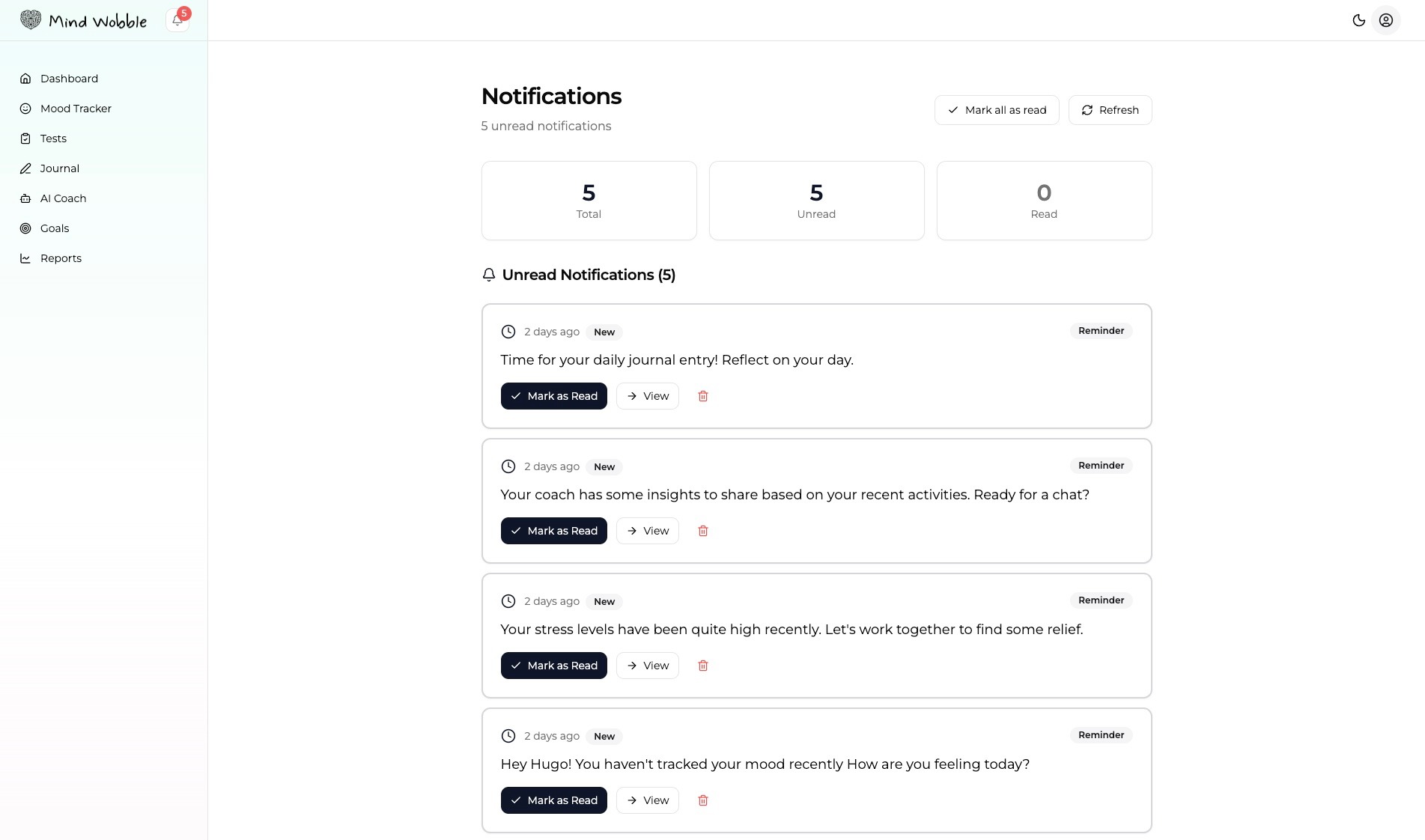
Open notifications
Use the notification bell or the notifications page to review messages. Notifications are grouped by read and unread state so you can see what still needs attention.
Work through unread notifications
For each notification, you may be able to:
- Mark it as read.
- Open a related link.
- Delete it.
If a notification includes a link, use it to go straight to the relevant feature or entry.
Clear old notifications
Delete notifications you no longer need. This keeps the page focused and makes future reminders easier to notice.
How notifications connect with the app
Notifications may point you back to app actions such as check-ins, reflections, or other reminders. Treat them as prompts, not obligations.
This first docs sweep covers in-app notifications only.
Frequently asked questions
Will I get push notifications outside the app?
This first docs sweep covers in-app notifications only. Use the bell icon or the notifications page to see reminders inside Mind Wobble.
What does it mean when a notification has a link?
A linked notification points directly to the relevant feature or entry. Following the link is usually the fastest way to act on the reminder rather than navigating manually.
What is the difference between marking as read and deleting?
Marking as read keeps the notification in your history but removes it from the unread list. Deleting clears it from the page entirely. Use delete when you no longer need the reminder at all.
Why didn't a notification I expected appear?
Notifications are generated by app activity, so they only appear when there is something relevant to surface. If you expected a reminder and did not see one, check the read list as well as the unread list, and confirm the underlying activity is happening as expected.